
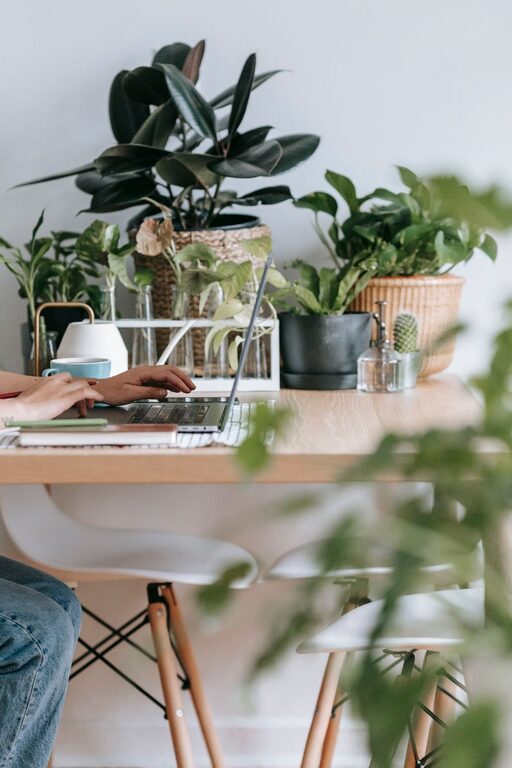
Creating a cozy and functional home office space is essential for anyone who spends a significant amount of time working from home. A well-organized and comfortable workspace can boost productivity, reduce stress, and make working from home a more enjoyable experience. Whether you have a dedicated room or just a corner in your living area, these tips will help you design a home office that meets both your comfort and functionality needs.
Choose the Right Location
Selecting the right spot for your home office is the foundation of creating a productive and cozy space.
– Quiet and Private: Pick a location with minimal distractions and noise, if possible. A room with a door can help separate work from home life.
– Natural Light: Position your desk near a window to take advantage of natural light. Natural lighting can improve mood and reduce eye strain.
– Space Considerations: Ensure that the space has enough room for your desk, chair, storage, and any other essentials you need for your work.
Invest in a Comfortable Chair
A comfortable, ergonomic chair is a must-have for any home office. Spending long hours sitting requires support to prevent back pain and posture issues.
– Adjustability: Look for chairs with adjustable height, lumbar support, and armrests.
– Padding and Breathability: Choose a chair with sufficient padding and breathable fabric to stay comfortable throughout the day.
– Style: Pick a chair that complements your office’s aesthetic but prioritizes comfort over style.
Set Up an Efficient Desk
Your desk is the centerpiece of your office, so make sure it’s practical and fits your work style.
– Size and Shape: Depending on your work, choose a desk with enough surface area for your computer, paperwork, and accessories.
– Storage Options: Desks with built-in drawers or shelves help keep your workspace tidy and organized.
– Height: A desk with adjustable height or one that fits your chair ergonomically will promote better posture.
Organize Smartly
Clutter can be a major distraction. Organizing your workspace effectively helps maintain focus and keeps your office inviting.
– Use Desk Organizers: Pen holders, file trays, and drawer dividers can keep small items in order.
– Cable Management: Use clips, sleeves, or boxes to keep cables neat and out of sight.
– Storage Solutions: Shelves, filing cabinets, or storage boxes help keep documents and supplies off your desk.
Personalize Your Space
Adding personal touches can make your home office feel cozy and welcoming.
– Plants: Indoor plants add color and life to your space while improving air quality.
– Artwork and Photos: Display pictures or art that inspires you or brings comfort.
– Decorative Accents: Use rugs, cushions, or curtains to add warmth and texture.
Proper Lighting
Good lighting is crucial for both comfort and productivity.
– Combination of Light Sources: Use a mix of overhead lighting, task lighting (like a desk lamp), and natural light.
– Adjustable Lighting: Lamps with adjustable brightness levels can reduce eye strain.
– Position Lights Wisely: Place lighting to avoid screen glare and shadows.
Minimize Distractions
Creating boundaries around your workspace helps maintain focus.
– Noise Control: Consider noise-canceling headphones or background white noise if complete silence isn’t possible.
– Turn Off Notifications: Use techniques or apps to reduce distractions from digital devices during work hours.
– Set Office Hours: Establish clear work times and communicate them to others in your household.
Use Technology Wisely
Ensure your technology setup supports your workflow without adding clutter.
– Reliable Equipment: Invest in a good computer, high-speed internet, and any other tech tools you need.
– Wireless Devices: Use wireless keyboards, mice, and printers to reduce cables.
– Tech Organization: Designate areas for charging devices and store accessories neatly.
Maintain Comfort Throughout the Day
Working comfortably involves more than just furniture.
– Temperature Control: Use fans, heaters, or air purifiers to keep the air comfortable.
– Break Area: If possible, create a small space to stand or stretch during breaks.
– Hydration and Snacks: Keep a water bottle and healthy snacks nearby to stay energized.
Keep It Flexible
Your needs may change, so designing a space that can adapt is valuable.
– Modular Furniture: Choose items that can be moved or reconfigured easily.
– Multi-Purpose Areas: If space is limited, use furniture that serves multiple functions.
– Easy Updates: Allow space to add or remove items as your workflow evolves.
—
By thoughtfully combining comfort and functionality, you can create a home office that supports your productivity and makes the work-from-home experience more pleasant. Remember, the best home office is one that feels right for you, so customize these tips to fit your personal preferences and work style. Happy decorating!